


Understanding the BC Game APK Version
APK stands for Android Package, the format every Android app ships in. The Play Store unpacks it out of sight, while the BC Game APK reaches the phone as a visible file. Google and Apple keep real-money betting apps under tight store rules, so the brand distributes its Android build directly. The only APK BC Game offers sits on bc.game, and Android calls a manual install from Chrome “sideloading”.
Under the hood, the app logs into the very account the website uses. Login, wallet, VIP level and bonus progress carry over, and so does the bet history.
The casino has operated since 2017. Twocent Technology Limited runs the platform from Belize, under company number 000041939. The permit number ALSI-202410011-FI1 traces back to the island of Anjouan. Indonesia doesn’t recognise that permit. KUHP article 303 makes betting money a criminal matter in Indonesia. Komdigi also blocks casino domains on a rolling basis, which leaves the legal risk with each player. This site is a third-party guide, not the operator’s own.
BC Game APK at a Glance
Two cells stay general because no file size or build number has been published.
| App Name | File Type (APK) | Supported OS (Android) | App Size | Latest Version | Availability in Indonesia |
| BC Game | Sideloaded package, fetched through Chrome | 5.0 minimum, per the brand guide | Not published by the brand | Shown when you download | Absent from Google Play. Get it from bc.game, or from whichever mirror support confirms |
When bc.game itself is blocked, round-the-clock live chat can point to whichever mirror currently works. An official list also sits in the Help Centre. The Telegram channel and the [email protected] newsletter carry the same address. I don’t print one here, because copied addresses go stale and fakes hide among them.
Downloading the BC Game APK: Guide for Indonesia
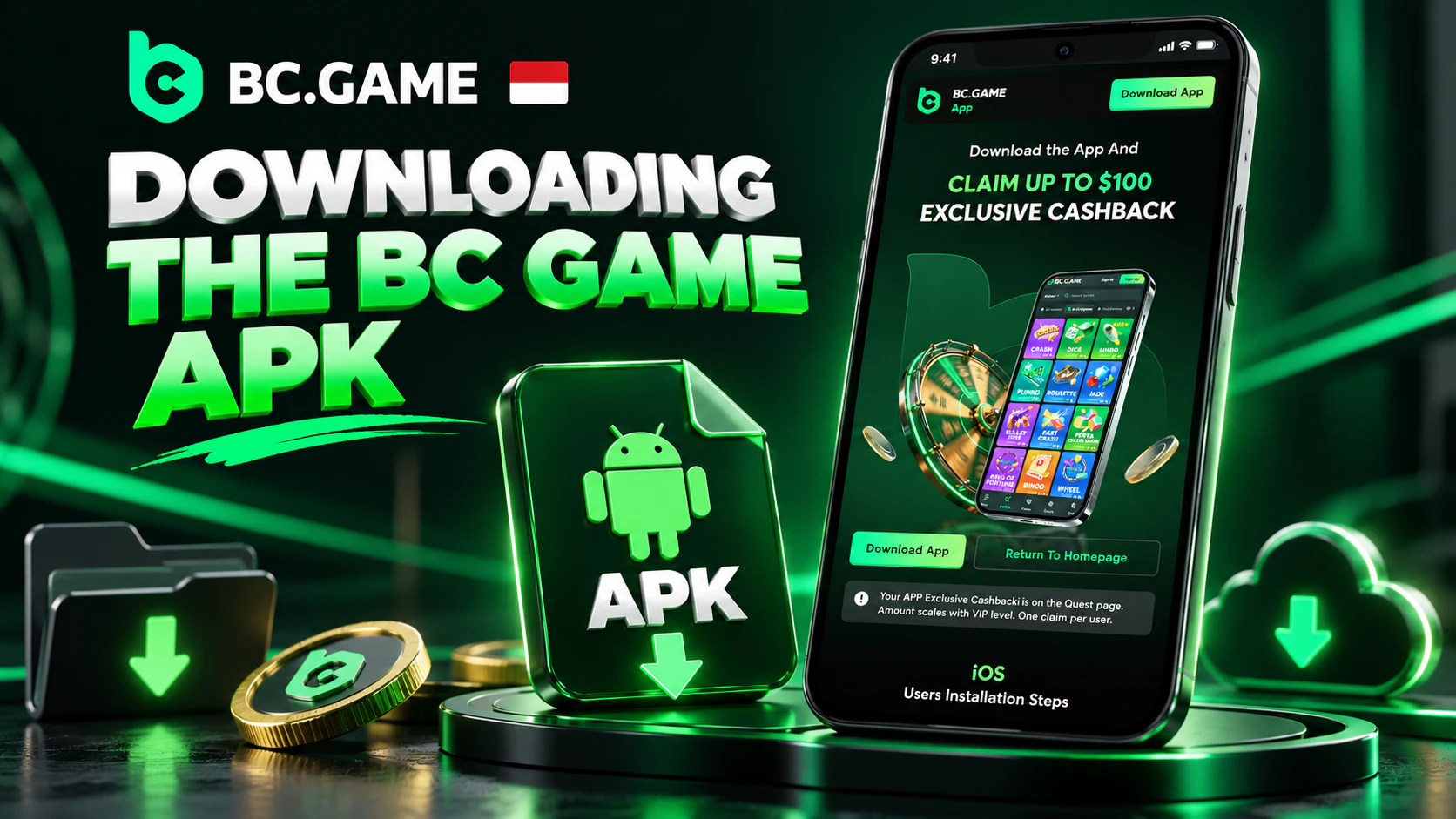
Most people type “BC Game download APK Android” into Google and tap the top result. I wouldn’t, since copycat pages chase that exact phrase. The routine below suits a cheap handset on flaky data.
- Find Wi-Fi first, even a warung’s, because a mobile connection that drops at 80% leaves a corrupt file behind.
- Open Chrome and enter the bc.game address manually, ignoring links dropped in WhatsApp.
- Press the Application tab once. Some layouts put an Android button in the site menu instead.
- Chrome warns that this type of file could harm the phone. It shows that warning for every APK, so keep the file.
- When the bar fills, tap the finished file in the notification shade.
- Give Chrome permission, press Install and open BC Game from its new icon.
APK Setup: Installation Steps
The permission prompt is the only real hurdle, and it differs by Android version. Android 8.0 and newer grant the right app by app, instead of through one switch for the whole phone. Tapping the package opens a notice with a shortcut to Settings. There, a switch next to Chrome usually reads “Allow from this source”. Samsung, Xiaomi, Oppo and vivo often place the same toggle under Settings > Apps > Chrome > Install unknown apps.
Phones on Android 5.0 through 7.1 use a single master switch called “Unknown sources”, found in Settings > Security. Turning it on brings up a warning, which is standard for any sideloaded file.
After the permission step, the installer shows an Install button. Play Protect sometimes offers a scan first, and I’d let it run. The app then opens on a screen for logging in or creating an account. Bahasa Indonesia is available in the settings. Android 13 and later also ask whether the app may send notifications.
Troubleshooting APK Installation Errors
Here’s what each cryptic Android error usually means.
- “App not installed.” Mostly a download that choked on a weak signal. Downloading again over Wi-Fi normally sorts it out. A leftover build from another site causes the same error, and removing that build first clears the conflict.
- “There was a problem parsing the package.” Usually a BC Game app download APK that got cut short. Phones below Android 5.0 show it as well.
- Install blocked. Chrome’s toggle is still off. Some Xiaomi and Oppo models also run their own scanner, which needs a separate approval.
- Storage full. No official size exists, so the phone needs more free space than seems necessary.
- Android too old. Nothing in settings fixes a version below 5.0. The website in Chrome is the fallback.
Main Functions of the BC Game APK
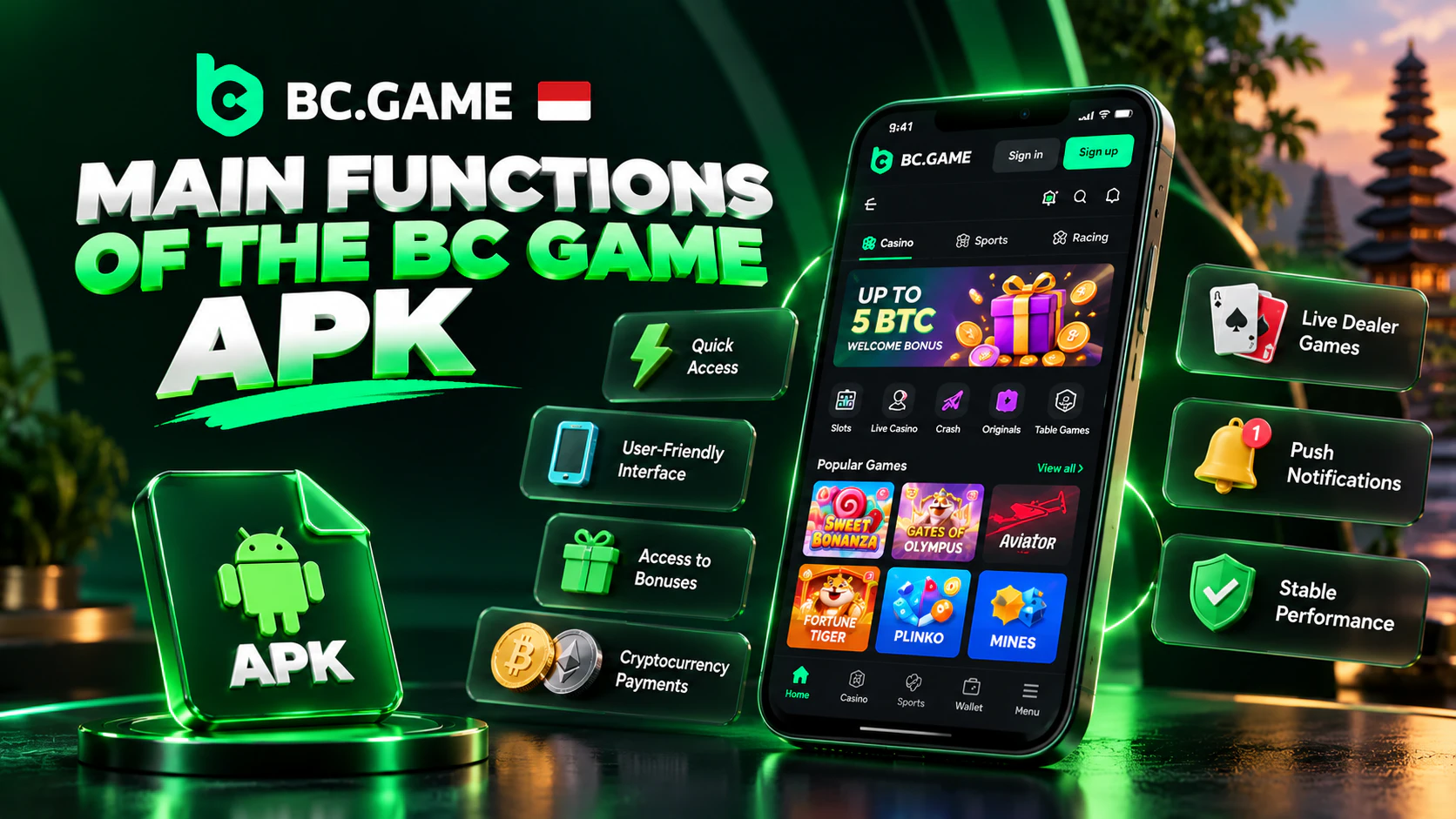
The app does everything the website does, and these features matter most on a modest phone.
- An icon, not an address. Fewer chances to mistype a domain.
- Wallet inside the app. Deposits, cashouts and the transaction history share one screen.
- The Bonus tab. Deposit matches, rakeback and code redemption all sit there.
- Live dealers. Evolution’s Lightning Roulette streams in the app, though video burns through mobile data.
- Sports. Badminton, Liga 1, MotoGP and MLBB esports share the board with European football.
- Notifications. Push notifications are available in the app.
On a tight plan, a Crash round loads far lighter than live video. The game lists a 99% RTP.
Android Compatibility and Device Requirements
The brand guide sets one requirement, version 5.0 of Android at minimum. On Apple devices the matching floor is iOS 11.0, though iPhones use the web app rather than an APK. Nothing is published about memory or storage, and the table reflects that.
| OS Version | Storage | RAM | Internet Requirements |
| 8.0 and newer | Space for the app and later builds. No figure released | No official figure | Mobile data copes with slots and bets. Live tables want a steady link |
| 5.0 to 7.1 | Same, though older handsets fill up sooner | No official figure | Grab the file on Wi-Fi when possible |
| Anything below 5.0 | Won’t install | Not applicable | Play through Chrome instead |
The version number sits under Settings > About phone. On a handset with 2 or 3 GB of memory, I’d close background apps before a live table.
APK Download Safety and Authenticity
A tampered BC Game APK shows the same icon as the real one, so the icon proves nothing.
One common sign of a fake site is extra letters or hyphens in the domain. Another is a country name tacked onto the brand. A missing padlock in the address bar is a third. A genuine login never asks for the seed phrase of a crypto wallet. Real staff never ask for money to restore a “frozen” account. A bonus that requires sending coins first is theft.
The brand’s privacy policy cites SSL encryption and multi-factor authentication. None of that helps against a fake that someone installed by hand.
Practical Tips for Secure Installation
No checksum is published for the package, so its origin is the only thing that can be verified.
- Only bc.game itself, or a mirror live chat vouched for, should supply the package.
- APK portals and cloud-drive links are best ignored.
- A request for SMS or contacts access deserves a question to support, since a casino has no obvious use for either.
- Updates belong to the in-app prompt, with the new file pulled from bc.game.
Signing in After Installing the APK
Existing accounts open with Cwallet, a passkey, Google, Telegram or a password, exactly as on the website. Nobody under 18 can register. Sign Up offers 4 routes, namely email, phone, Google and Telegram.
The username and email are permanent once chosen. Sign-up asks for no ID. ID checks can follow later, typically ahead of a big cashout.
Google Authenticator handles two-factor login, set up from Global Settings > Security. I’d keep the recovery key written down somewhere other than the phone itself, because a cracked screen shouldn’t mean losing access. Withdrawals freeze for 24 hours after any password change, and the same happens when 2FA is removed.
Promotional Offers in the Mobile APK
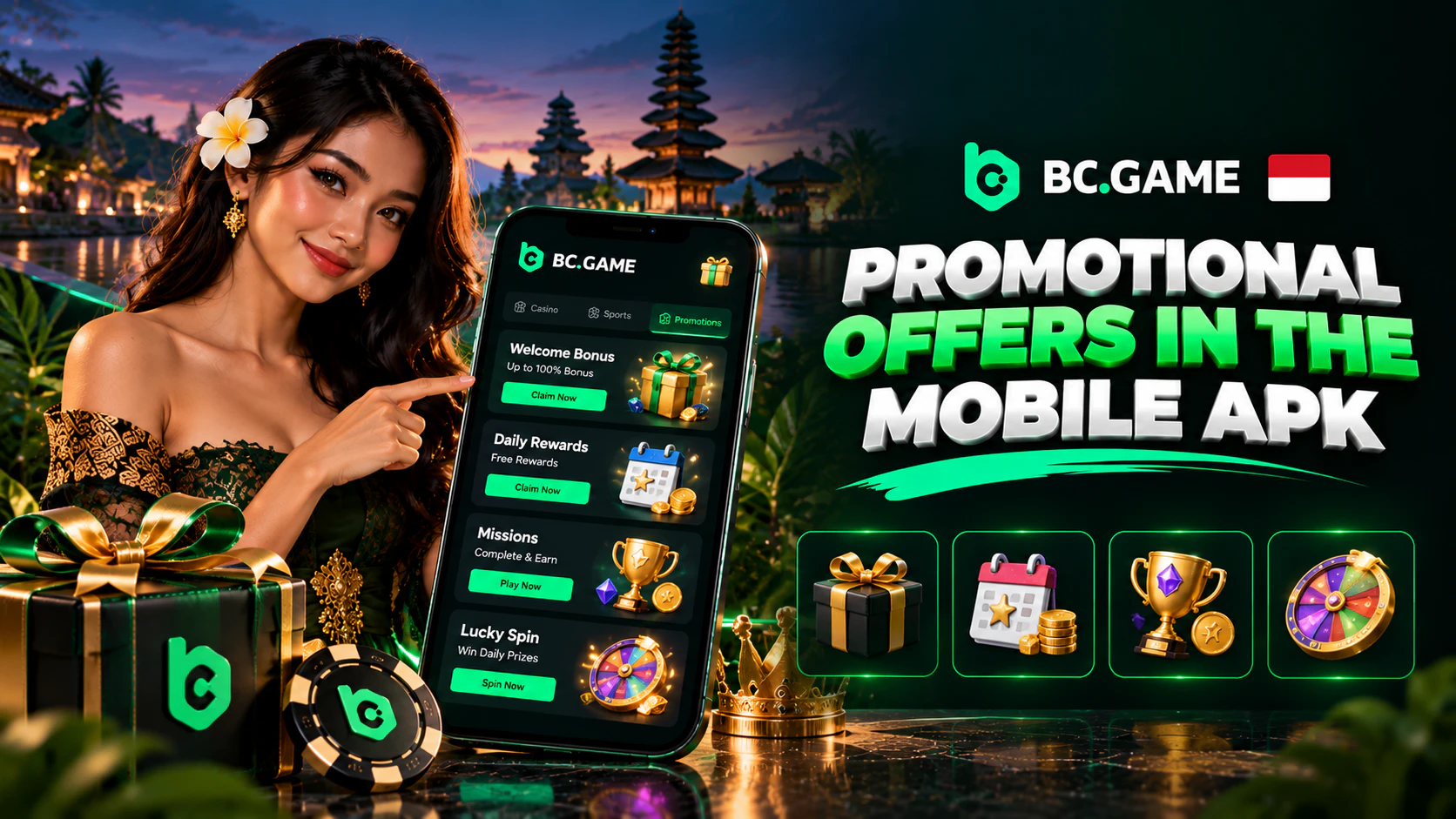
Promotions are attached to the account, whatever phone it’s opened on. Every wager adds a little rakeback, which waits in the account until it’s claimed. VIP levels climb with XP, and each level-up pays a gift. VIP 22 adds a weekly payout and a monthly one on top, and a raffle is drawn every week.
Codes are typed into the Bonus tab, where a field reads “Redeem your bonus here”. So-called secret codes on unofficial sites are usually advertising or fraud.
No cash is paid before a deposit. A small batch of welcome free spins shows up on some accounts, worth little and tied to wagering.
Welcome Offer: Terms and Eligibility
Four deposits a month get matched, and the rate rises each time. Deposit number one earns 180% on a minimum of 5 USD. A second deposit of 10 USD or more brings 240%. The third pays 300% from 20 USD, while the fourth tops out at 360% and needs at least 30 USD.
Only crypto top-ups qualify, and the match works without a code. The claim is manual, in the Bonus tab, after the coins land. A new cycle begins when Jakarta clocks hit 07:00 on the 1st, which is midnight UTC.
My test case starts the month with 6 USDT. At 180%, that adds 10.8 BCD to a locked balance, and each BCD is pegged to 1 USD. The help centre puts the release pace near 1 USD for each 500 USD bet at entry VIP. All 10.8 BCD would therefore need about 5,400 USD in settled bets. A second top-up of 17 USDT adds 40.8 BCD more. Freed BCD gets moved from its panel into the ordinary balance. The locked part carries no expiry.
Deposited coins need one round of betting before they’re withdrawable. The offer is limited to one per person and household, and duplicate accounts lose it.
Available Payment Options in the APK
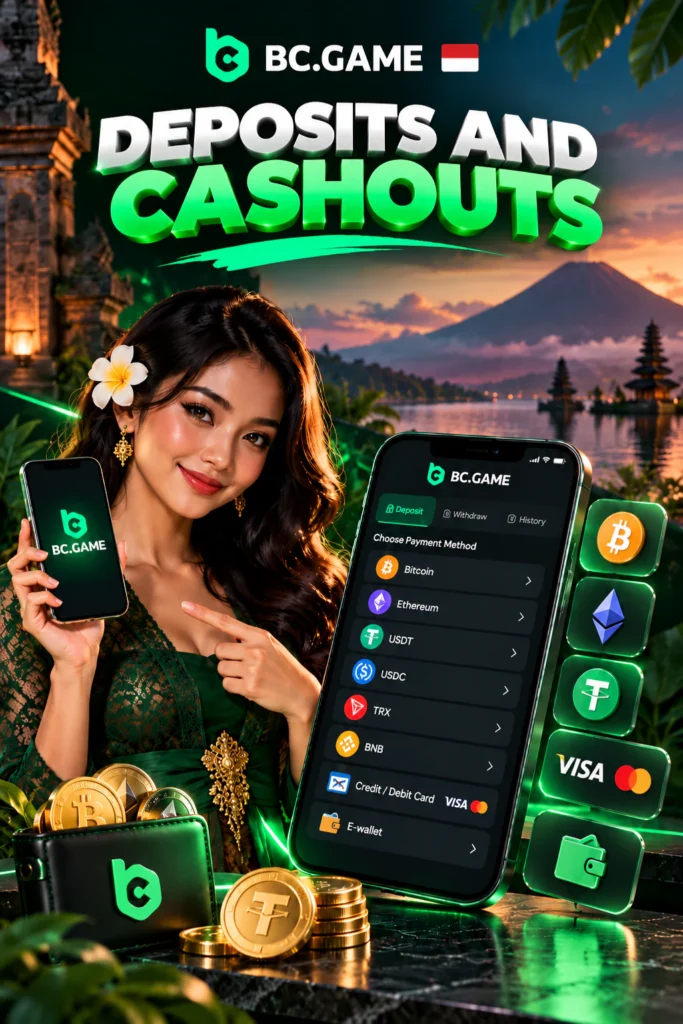
The cashier sits under the avatar, in Wallet. Every account can pay in crypto, choosing from 100+ coins.
Whatever network sends the coins must be the network chosen in the cashier. Certain coins also require a tag, sometimes called a memo. A mismatch in either means the funds never reach the balance.
BC Game’s Indonesia guide mentions rupiah transfers, QRIS, OVO, DANA and GoPay. They’re usable only where the player’s own Fiat tab displays them. Without them, the workaround is buying crypto elsewhere and sending it in.
BC Game charges nothing on deposits, while the sender pays the blockchain fee. Withdrawals leave as crypto, sent to an external wallet the player controls.
Deposits and Cashouts: Essential Information
The cashier shows each coin’s limits, so the table points there rather than quoting invented figures.
| Payment Method | Min Deposit | Max Withdrawal | Processing Time |
| USDT (pick a chain at checkout) | Displayed per chain. The 180% step asks for 5 USD | Displayed per coin. No public monthly ceiling | Lands after chain confirmations. Payouts often clear within an hour |
| Bitcoin, Ether, Tron and the rest | Differs coin to coin | Listed in the withdraw form | Confirmation count differs too. Big sums may get a manual review |
| Rupiah methods | Processor’s minimum, visible under Fiat when offered | Processor’s limit, visible under Fiat when offered | Processor’s timing, visible under Fiat when offered |
The cashout floor is low, near 10 EUR in value on the major coins. BC Game keeps 0.1% of each crypto withdrawal. On a 41 USDT payout, the platform’s slice is about 0.04 USDT, with the network’s charge added separately. From VIP 38 upward, the platform’s share drops to 0.
How Long Transactions May Take
Incoming coins appear once the blockchain has confirmed them enough times. Each coin has its own confirmation count, displayed in the cashier before sending.
An approved crypto payout normally reaches the wallet within the hour, sometimes in 5 minutes. Larger sums go to a staff reviewer first, which can add 1 to 6 hours.
Four things usually explain a delay. The platform may have asked for ID, or part of the balance may still be tied to a bonus. Mistyped addresses and mismatched chains hold payouts up as well. The fourth is the 24-hour hold after a security change. A payout listed as sent yet absent from the wallet leaves a transaction ID behind. That ID can be looked up on the coin’s block explorer before support gets involved.
BC Game APK: Strengths and Limitations
Where the APK beats the browser:
- A real icon and its own window, with no tabs to lose.
- Push notifications from the app itself.
- More screen for the game, since there’s no address bar.
Where it falls short:
- Updates are manual. Each build gets fetched by hand and installed over the previous one.
- It’s Android only. Apple users get a Safari shortcut that keeps itself current.
- Android has to trust an outside source.
- It takes storage with no stated size, which matters on a 32 GB phone.
Any “BC Game app download APK” link sitting on someone’s random blog deserves suspicion.
Recommendations for Everyday APK Use
- Updates come from the site when the app flags them, installed over the old build.
- A bc.game bookmark in Chrome ends the need to search BC Game download APK Android again.
- 2FA stays on, and Wi-Fi handles updates and live tables.
- Caps on bets and losses sit in “Set Gambling Limit”, per day, week, month or quarter. The account can’t limit deposits or time sessions, so a phone alarm covers that.
Conclusion
The APK puts a BC Game account on the home screen of nearly any phone running Android 5.0+. Files belong to bc.game or a mirror that support names. Chrome needs install rights once, and I’d take them back afterwards. Updates arrive through the site whenever the app asks. 2FA and betting limits are worth setting before the first bet.