


Introduction to the BC Game Mobile Experience
Launched back in 2017, BC Game has grown into a crypto-first casino with 7,000+ titles drawn from 60+ studios. It’s one account everywhere, so a balance topped up on a phone shows on a laptop moments later.
The case for installing anything is mostly speed, because a pinned icon drops straight into the lobby with one tap. Android’s build also pushes notifications, which a closed tab can’t do.
A disclosure belongs here. This page comes from an independent affiliate site, not the operator, and it hosts no files. Anyone ready to download BC Game should take it from bc.game or an approved mirror and nowhere else.
What the BC Game Mobile App Offers
The word “app” really covers three different things wearing one logo. The phone in someone’s pocket decides which one applies.
Android gets a genuine APK, installed by hand because the brand stays out of Google Play. Apple and Google both limit apps built around betting real money, so the website does the distributing. iPhone and iPad get a pinned Safari version that fills the screen and updates itself. The third route is the plain mobile browser, with nothing installed.
My own sorting rule is short. An Android owner who plays weekly gets the most from the APK. iPhone owners are better off pinning the web app. Someone dropping by once a month loses nothing by staying in the browser.
Notable Functions of the BC Game App
The installed version bundles these features:
- Five sign-in routes, from Telegram and Google to passkey, Cwallet and a plain password.
- Wallet, game search and bonus panel resized for a phone held in one hand.
- Every account tool from desktop, 2FA settings included.
- A cashier taking over a hundred coins, BTC and TRX among them.
- A monthly ladder over four deposits, 180% at the bottom and 360% at the top, no code involved.
- Push alerts on the Android build.
- An interface that switches to Indonesian.
Push alerts aside, none of it is app-only.
Android Download Guide for BC Game
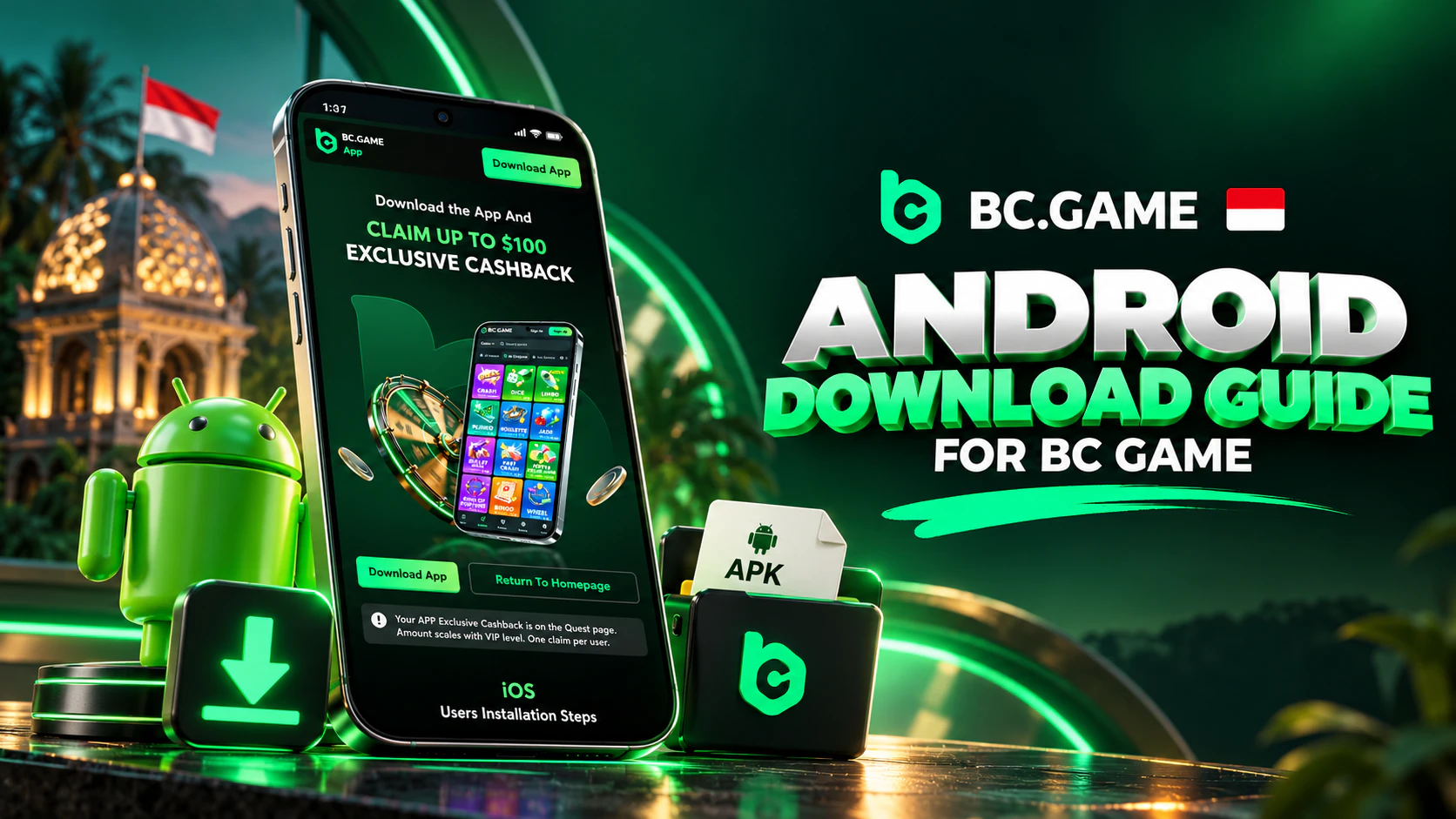
Most people behind the search “BC Game download APK Android” want a working file from a source they can trust. The official route has five steps and takes a few minutes:
- Type bc.game into Chrome yourself, ignoring links from forums or group chats.
- On bc.game, tap the Application section or its Android option, and the file lands in Downloads.
- Android will probably refuse at first, so follow its prompt and grant Chrome permission for unknown apps.
- Reopen the file, hit Install and give it a moment to appear among the other apps.
- Launch it and sign in, or register right inside it.
Finding the Correct BC Game APK File
That search throws up pages of file lockers and Telegram channels passing around copies of unknown age. I’d ignore every single one.
Any BC Game download APK the casino didn’t serve directly deserves suspicion. An installed app sees whatever gets typed inside it. A doctored build could quietly record a password or swap a payout address.
Blocked domains are a fact of life in Indonesia, and a blocked bc.game isn’t a reason to grab a copy elsewhere. Live chat hands out today’s working mirror on request. Approved addresses also appear in Help Centre articles and Telegram posts. Any genuine mirror opens the usual wallet, bonuses and bet history.
Setting Up BC Game on an Android Phone
Anything from outside Google Play counts as an unknown app on Android. Older models have a single Unknown sources toggle tucked under Security, covering every app at once. Newer ones ask app by app under Install unknown apps, so only Chrome needs the green light.
Install errors usually trace back to low storage or a half-finished download. Freeing some room and fetching the file again over Wi-Fi fixes most cases, and the troubleshooting section further down handles the rest.
My habit, once the BC Game download for Android installs, is switching that permission back off. It costs nothing and keeps stray files from sneaking in later.
Updating works the same way. A notice inside the app announces each new build, and the replacement from bc.game installs straight over the current one without disturbing the account.
Accessing BC Game on iOS Devices
The App Store carries no BC Game app, just as Google Play doesn’t, so on iPhone the brand relies on a web app.
iOS simply can’t open APK files. For iPhone and iPad the casino points to Safari plus a home-screen pin, and any device on iOS 11.0 or a newer release qualifies.
The pinned version runs full screen and pulls the current site on each launch, so it never needs a manual update. It barely touches storage either, because no package sits on the device. Push alerts are the one gap, and I’ve only seen them confirmed for Android.
Creating an iPhone Home Screen Shortcut
The whole thing takes about a minute in Safari.
- Open Safari, type bc.game and let the lobby load completely.
- Press Share, the little square with an upward arrow along the bottom edge.
- Scroll that sheet until Add to Home Screen shows, and rename the icon if you like.
- Tap Add, leave Safari, and start the casino from its fresh icon, logging in as normal.
On an iPad the Share button lives up top instead. The other steps don’t change.
App Store Availability and iOS Alternatives
Lookalike names sometimes appear in Apple’s catalogue. None of them belongs to the operator.
That leaves two real paths on an iPhone, the pinned web app or an ordinary Safari tab. A plain tab suits a phone the family borrows, where a casino icon on the home screen wouldn’t be welcome.
Using BC Game on a Desktop or Laptop
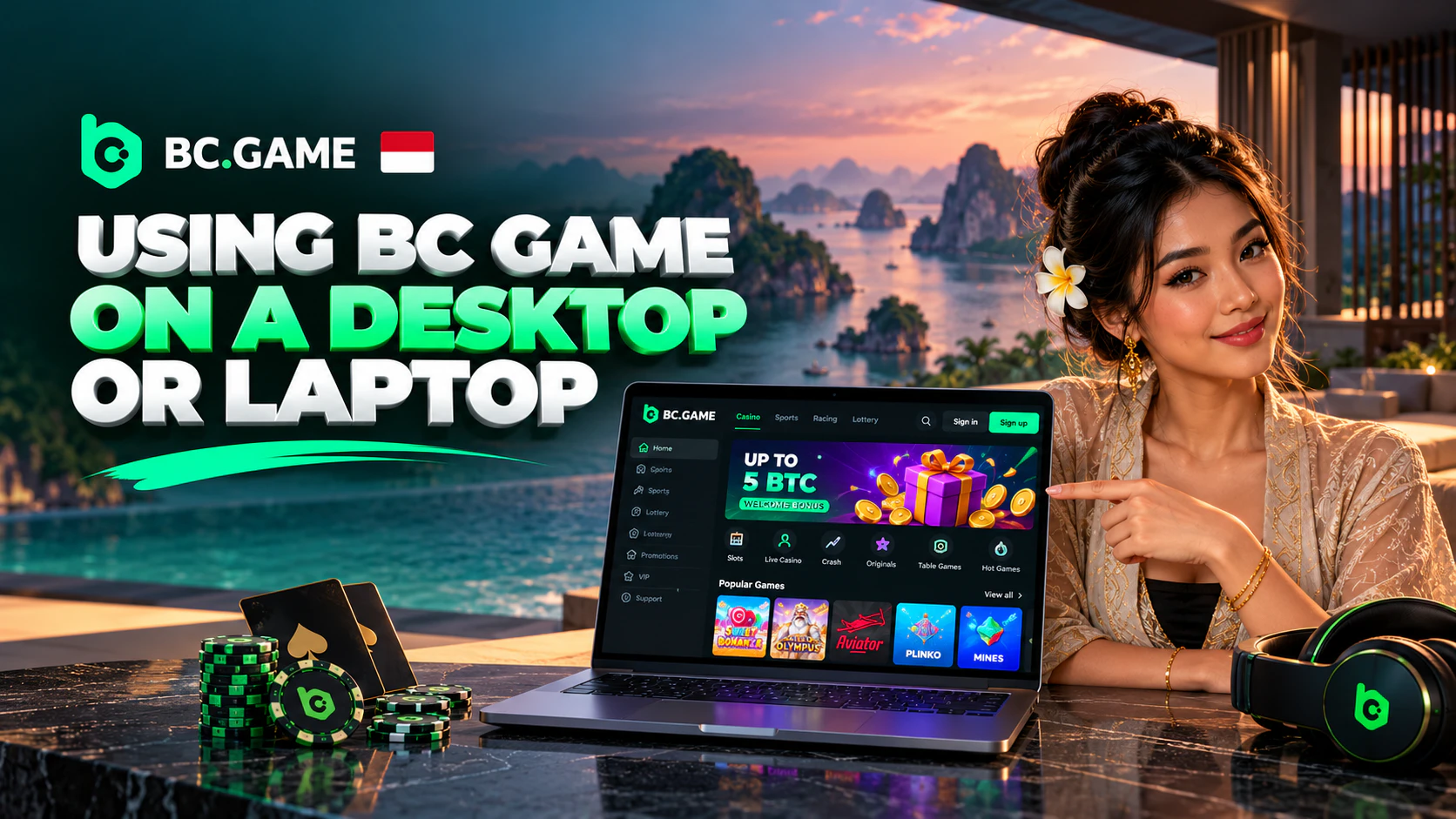
Nobody needs to download BC Game onto a computer. Computers simply use the browser, and a current Edge, Safari, Firefox or Chrome handles everything.
Most browsers can still fake an app feel. Chrome keeps a desktop shortcut option among its save and share tools, and that shortcut opens the casino in a window of its own.
Browser-Based Access Without Installation
The browser route boils down to address, login and game. Nothing gets installed beyond ordinary cookies.
With 2FA active, a six-digit Google Authenticator code gates every withdrawal and security change. It gets enabled under Global Settings > Security, once the email or phone is verified.
Advantages of Mobile Access to BC Game
Whether an install pays off depends on how often someone plays. A visitor dropping in twice a month barely notices. Someone checking MotoGP prices each race weekend feels it quickly.
The installed version earns its spot in six ways:
- It goes wherever there’s signal, from a KRL carriage to a queue outside the warung.
- One tap opens the lobby, with no address to remember.
- Games get extra room once the browser bars disappear.
- The same verified icon opens every time, not whatever a search result offers.
- Android owners receive alerts without leaving a tab open.
- It runs by itself rather than fighting a dozen tabs for memory.
| Access route | Speed | Convenience | Features | Accessibility |
| Android APK | Launches from its icon | Single tap | Whole account, push alerts | Android 5.0 minimum, casino-hosted file |
| iPhone web app | Full screen, updates itself | Single tap after pinning | Whole account, push unconfirmed | iOS 11.0 minimum, pinned via Safari |
| Mobile browser | Hinges on tabs and signal | Bookmark or typed address | Whole account, no push | Any current phone browser |
| PC browser | Hinges on the connection | Optional desktop shortcut | Whole account, roomier live tables | Any current desktop browser |
Device and Software Requirements
The brand states just two minimums. Android phones need version 5.0, while Apple gear needs iOS 11.0. Both bars are low enough that most handsets still in daily use clear them.
No APK size or RAM figure is published, so I won’t invent one. Spare room on the phone before a BC Game download for Android begins is the one sensible precaution.
| Platform | OS Version | Storage | Internet | Notes |
| Android (APK) | Version 5.0 minimum | Size isn’t published | Steady Wi-Fi or mobile data | Version visible at download time, new file overwrites the old |
| iPhone / iPad (web app) | iOS 11.0 minimum | No package, browser data only | Steady Wi-Fi or mobile data | Pinned from Safari, updates itself |
| Desktop or laptop | Any system with a current browser | Nothing installed | Steady broadband or Wi-Fi | Optional shortcut |
| Mobile browser | Recent browser release | Nothing installed | Steady signal | No push alerts |
Payment Options for Indonesian Users
Crypto is the method that works for every account. Deposits start in Wallet, where the Deposit screen asks for a coin first and its chain second. A QR and a copyable address follow. Certain coins also demand a memo. Confirmations on the blockchain then decide when the funds land.
That chain has to match exactly, since USDT sent over a different one won’t be credited. Depositing is free on the casino’s side, and the sending wallet covers its own network charge.
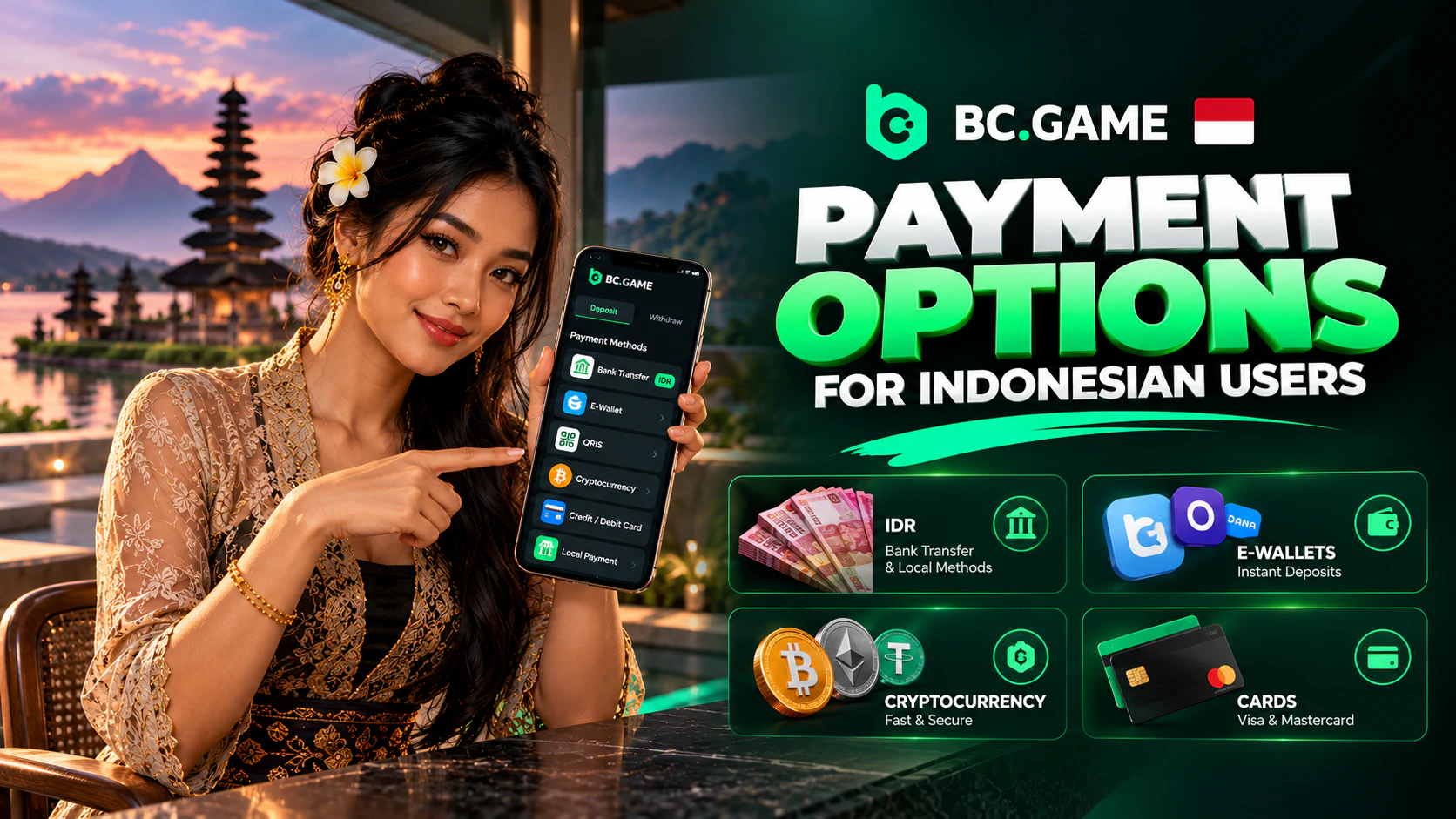
Rupiah is less certain. The brand’s Indonesian guide names bank transfers, GoPay, QRIS, DANA and OVO. They exist for an account only if its Fiat tab lists them. Where the tab stays empty, the fallback is purchasing coins elsewhere and moving them across.
The bonus maths on two modest deposits looks like this. A first top-up of 9 USDT beats the 5 USD floor for stage one, and 180% turns into about 16.2 BCD, locked. A second one of 24 USDT clears the 10 USD threshold for stage two, so 240% adds roughly 57.6 BCD. Every stage gets claimed manually, and the ladder restarts monthly, at 07:00 WIB on the 1st.
Locked BCD, pegged at 1 USD a token, chips away as bets settle, and Liga 1 wagers count alongside slot spins. Going by the Help Centre, 500 USD of stakes releases roughly 1 USD, and climbing VIP levels speeds that up. Nothing locked ever expires.
Whatever was deposited must first be wagered once in full. Cashing out 58 USDT afterwards costs roughly six cents at the 0.1% platform rate, and the network bills separately. From VIP 38 upward, that platform cut disappears entirely. Approved crypto payouts typically clear inside an hour, often in as little as 5 minutes. Bigger sums sit with a human reviewer for 1 to 6 hours. Withdrawals open from a small sum, around 10 EUR worth of a major coin, and the cashier states the precise floor per coin.
| Method | Min Deposit | Max Deposit | Processing Time |
| USDT on the chosen network | Cashier lists it by coin and chain | No published ceiling | After network confirmations |
| BTC, ETH and a hundred-plus others | Displayed for each coin | No published ceiling | Confirmations vary per coin |
| Crypto deposit counting towards the bonus | Stage 1 needs 5 USD, rising to 30 USD by stage 4 | No published ceiling | Credited, then claimed by hand |
| Rupiah options (bank transfer, GoPay, QRIS, DANA, OVO) | Real only once the Fiat tab carries them | Processor decides | Processor decides |
| Coins bought elsewhere first | That service’s floor, then the cashier’s | That service’s cap | Purchase plus confirmations |
Checking the Safety of a BC Game Download
Twocent Technology Limited is the operating company, on Belize’s register as number 000041939. Anjouan, a small Comoros island, issued its gaming permit. The number ALSI-202410011-FI1 sits among the footer links in tiny print, and sign-ups are limited to adults of 18 or older.
That’s an offshore arrangement with no Indonesian regulator watching. Indonesia’s KUHP outlaws betting money in article 303, and Komdigi blocks such domains. BC Game has no local licence, so every player carries responsibility for their own position.
With the file itself, origin is everything. A BC Game download APK deserves trust only when bc.game or a listed mirror served it. Three signs give a fake site away fast:
- A request to pay before a “frozen” account gets released.
- A domain carrying a stray hyphen, an added letter or a country tag.
- Any page that wants a wallet’s seed phrase.
Account security deserves the same care. Google Authenticator 2FA puts a code in front of every withdrawal, and its backup key is best noted on paper kept apart from the phone. Changing the password or dropping 2FA freezes payouts for a full day. That pause exists in case the change wasn’t the owner’s.
Updates should only ever come through the in-app prompt or bc.game.
Resolving Frequent Download Problems
Trouble nearly always starts with the phone, the file or the connection. This part stays short, because the separate APK page on this site handles error codes in depth.
What to Check When APK Installation Fails
Permission is the usual culprit. An Android warning that this source isn’t allowed means Chrome never got the unknown-apps right, and granting it lets the install continue.
Storage comes second, since a nearly full phone can stall the installer halfway.
Then there’s the file. An interrupted download leaves a broken package, and Android may say it can’t parse it. A fresh copy fetched over Wi-Fi replaces it.
An older version still on the phone can clash with the new one. Removing it first is harmless, because funds sit on the account rather than the device.
What to Do When the App Will Not Launch
A silent icon points to the connection first. Swapping home Wi-Fi for mobile data, or the reverse, rules that out within seconds.
Old builds are a frequent cause, and the newest APK laid over the top usually cures it.
Phones older than Android 5.0 can’t run it dependably, so Chrome is the better route there.
Clearing the app’s cache and rebooting sorts out most of what’s left, with a reinstall as the last resort.
A domain blocked on the local network can stop the app loading too. Writing to [email protected] brings back today’s mirror, and Telegram announcements repeat it.
On an iPhone, deleting the pinned icon and adding it again from Safari resets things.